From demo to recording
How to Make a Song: From First Demo to Finished Audio
Learn how to make a song at home: plan the arrangement, record vocals, edit takes, balance a mix, and export a version you can confidently share.
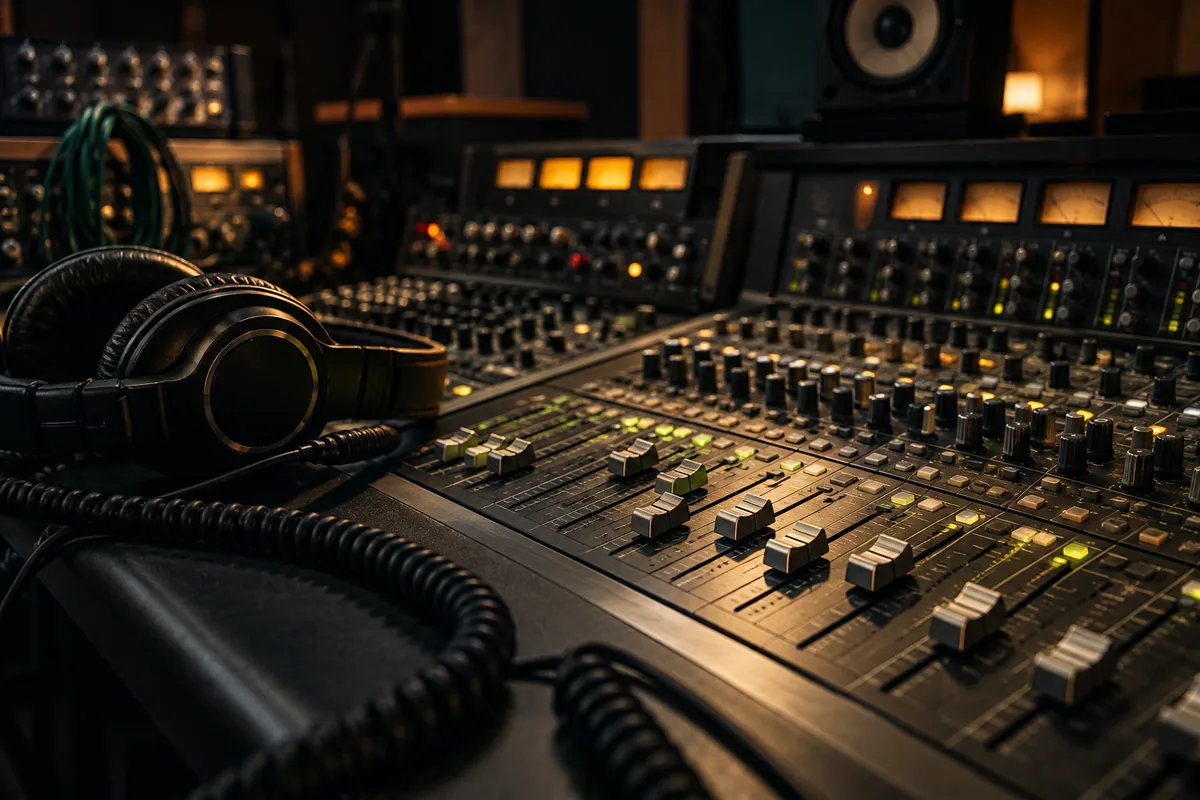
To make a song, turn a musical idea into a complete arrangement, capture or create the performances, edit the parts, balance them into a mix, and export the result. A song can be a simple voice-and-guitar recording or a production with many layers. Start with the smallest setup that lets you finish.
This guide focuses on making a recording. If you are still choosing the words and melody, begin with how to write a song. We will use an imaginary acoustic-pop demo with a lead vocal, guitar, bass, and a restrained drum part to keep each decision concrete.
1. Decide what “finished” means for this song
A demo for a collaborator, a birthday gift, and a release-ready recording have different needs. Write down the listener, the format, and the deadline before opening a recording session.
Our working brief is: “A warm, intimate acoustic-pop song for someone coming home. Clear lead vocal, gentle guitar, fuller final chorus, simple ending.” That sentence helps answer later questions about whether another instrument belongs.
Music production includes goals, resources, performers, recording, and the final mix; Berklee's Fundamentals of Music Production course describes that broader scope. Your first project can be much smaller: one finished arrangement and a recording that communicates it.
2. Choose a recording route
For a quick demo, use a phone or recorder and perform the song from beginning to end. Put the device in a stable position, make a short test recording, and listen before committing to a whole take. Capture the idea while it is fresh.
For a multitrack version, use recording software, often called a digital audio workstation or DAW. It lets you place the vocal, instruments, and rhythm on separate tracks so you can edit and balance them independently. You can use the equipment and software you already have.
For an AI-assisted rendition, prepare lyrics and a clear style brief, then review the returned performance as a creative draft. You may need to change phrasing or direction after listening. It is a different route from recording your own exact performance and does not remove the need to make editorial decisions.
Choose one route for the first version. Comparing every possible setup before recording a verse can become a way of postponing the song.
3. Map the arrangement before adding layers
Write the sections on a page or label them in your session. For our example:
- Intro: two bars of guitar establish the rhythm.
- Verse 1: guitar and voice leave room for the story.
- Chorus: bass and a light drum pattern support the main phrase.
- Verse 2: reduce the texture, keeping a small detail from the chorus.
- Final chorus: add a harmony or fuller guitar rhythm.
- Ending: let the final phrase resolve without an abrupt cut.
Record a rough guide performance first. It becomes a map for the other parts. If a section feels too long with just a guide vocal and chords, fix the structure now rather than filling the time with effects.
Pick a tempo you can perform comfortably. Test the chorus as well as the verse: a speed that fits quiet speech may crowd a wordier refrain. A metronome can help you compare the same phrase at a few nearby tempos.
4. Build the foundation and give each part a job
Start with the rhythmic or harmonic part that holds the song together. In our acoustic example, that is the guitar. Add a simple bass part that supports the harmony, then a drum pattern that makes the pulse clear.
Before adding another track, finish this sentence: “This part helps the listener hear ___.” Good answers include the beat, the chord change, a response to the vocal, or a transition into the chorus. “The song needs more tracks” is not a musical job.
Try muting the new part. If the song becomes clearer, leave it out or save it for a later section. Contrast can come from removing something as well as adding it.
5. Record the vocal with a short test first
Choose a quiet space and listen for fans, traffic, or computer noise. Place the microphone or device consistently, and record the loudest phrase before setting the recording level. If the input clips, lower the level and test again. Turning down a clipped recording afterward will not restore the original waveform.
Record two or three complete takes before chasing individual words. Mark which take has the best expression and which has the clearest timing. A technically tidy take can still feel less convincing than a slightly imperfect one with a strong intention.
For a repair, record a little before and after the problem phrase so the new take has context. Keep the earlier recording. Replacing one line is easier when you can compare it with the original.
6. Edit performances without losing the phrasing
Remove unwanted count-ins, long gaps, and distracting noises. When joining takes, listen across each edit rather than judging the two pieces separately. Short fades can help prevent clicks at boundaries.
If a note or syllable arrives late, first ask whether it sounds expressive or simply interrupts the pulse. Moving every sound onto a visual grid may remove a useful human feel. Edit to what you hear in context.
Organize the session before mixing: name the tracks, group related parts if your software allows it, and keep unused takes separate. Make a new version before a large edit so you can go back.
7. Mix with levels before reaching for effects
A mix combines your tracks into the audio the listener will hear. Begin with volume. Can you understand the lyric? Is the bass supporting the rhythm or hiding it? Does the chorus feel stronger without becoming harsh?
Next, place supporting sounds across the stereo field if the arrangement benefits. Keep checking the vocal against the accompaniment. Use equalization to solve a specific tonal or masking problem, compression when you need to control dynamics, and reverb when you want a sense of space. A plugin does not need to be on every track.
Listen quietly and compare on another available speaker or headphones. If the lyric disappears at low volume, reconsider the balance. If a sound jumps out only on one device, inspect that moment before changing the whole song.
Mastering is a later check on the final mix and its delivery, not a substitute for repairing a buried vocal or a wrong performance. You do not need a mastering stage to save and share a useful first demo.
8. Export, listen from beginning to end, and keep a master
Export a high-quality audio file your software supports, such as a WAV, and keep it as your main copy. Make a smaller listening copy if the place you are sharing requires one. Follow the destination's current file requirements instead of assuming every platform accepts the same settings.
Listen to the actual exported file. Check the opening, the loudest section, the final decay, and any edits. Confirm that you exported the complete song rather than a selected loop or a muted-vocal version. Use a clear filename such as Light-in-the-Kitchen-mix-03.wav.
Archive the session and source recordings separately from the export. A finished audio file is useful for listening; the project files are what let you make a revision later.
If you want to hear your lyrics as an AI song
Use the music brief guide to describe a small sound palette, vocal delivery, and arrangement direction. Paste your own words into Lyrics to Song, review the lyric sheet, and choose the style before submitting.
On SongLab, editing the words is free. Creating music requires login and 100 credits per generation. The result is an AI performance to evaluate, not a promise that every production instruction will be followed exactly. You can also keep the lyrics and record the song yourself.
Questions about making a song at home
Can I make a song with only my phone?
Yes, you can record a complete performance with a phone. Make a short sound test, keep the position consistent, and listen for distortion or distracting noise. If you later need separate control over instruments, move to a multitrack workflow.
What should I do if the mix sounds crowded?
Mute supporting tracks one at a time. If removing a part helps, simplify the arrangement before adding processing. Then check levels and whether several instruments are competing with the vocal in the same moment.
How long does it take to make a song?
A rough demo can fit into one session; a polished recording may take several rounds of arrangement, performance, and revision. Set a goal for the version you are making. For a repeatable routine, use the songwriting practice plan.