Make the starting point specific
Begin with a few notes and leave deliberate gaps. Repeating one rhythm with a small pitch change can make it easier to compare two melodic directions.
YOUR CREATIVE WORKSPACE
Sketch notes on a piano roll and think through timing, pitch and repetition before developing an arrangement.
A 16-step local melody sketch. Audio-to-MIDI conversion and MIDI export are awaiting integration.
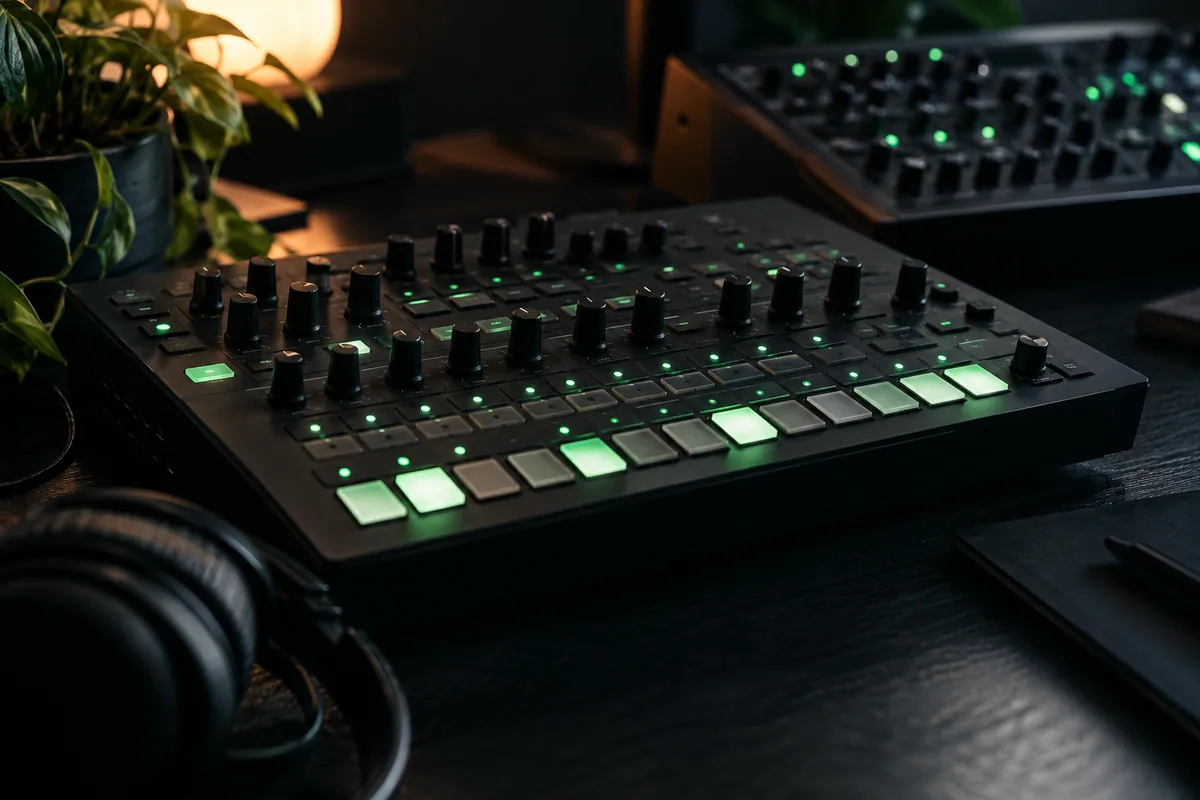
A CLEAR DIRECTION FOR YOUR NEXT STEP
Sketch a short note pattern in a browser-based MIDI-style grid. Explore timing and contour before moving the idea into a fuller music workflow.
Explore related workspacesBegin with a few notes and leave deliberate gaps. Repeating one rhythm with a small pitch change can make it easier to compare two melodic directions.
Review the pattern as a sketch rather than a finished arrangement. This edition does not export a standard MIDI file, so keep the note sequence documented for later use.
FROM PREPARATION TO THE NEXT STEP
Open MIDI editor and follow the controls shown in the workspace. Keep the first attempt short enough to compare.
Try a different pulse, note, or short pattern. Keep the parts that work and compare the change before adding more.
Write down the tempo or note idea you want to use later. Review the tool’s export status before relying on a downloadable file.
FREQUENTLY ASKED QUESTIONS
MIDI file export is not connected in this edition. The grid is available for browser-based note sketches; use your music software to turn the documented pattern into an editable production file.
The browser note grid is available for sketching. Standard MIDI export is not implemented in this edition. Keep the pattern documented if you want to develop it in your music software.
Drafting and local tools use this browser in the current edition. Account and support actions are separate. No AI request is sent by an unavailable generation action.
Keep a note of the tempo, melody, pattern, or metadata that matters. Use the tool’s stated capabilities rather than assuming it exports production files. Continue developing the idea in your usual music software.