Make the starting point specific
Start with a small group of notes and repeat a phrase until its direction is clear. Change the ending note to hear how it changes the sense of arrival.
YOUR CREATIVE WORKSPACE
Try a melody or hear a few notes in your browser. A small keyboard makes it easy to capture a musical starting point.
Keys generate sound on your device using Web Audio. Your performance is not recorded or sent anywhere.
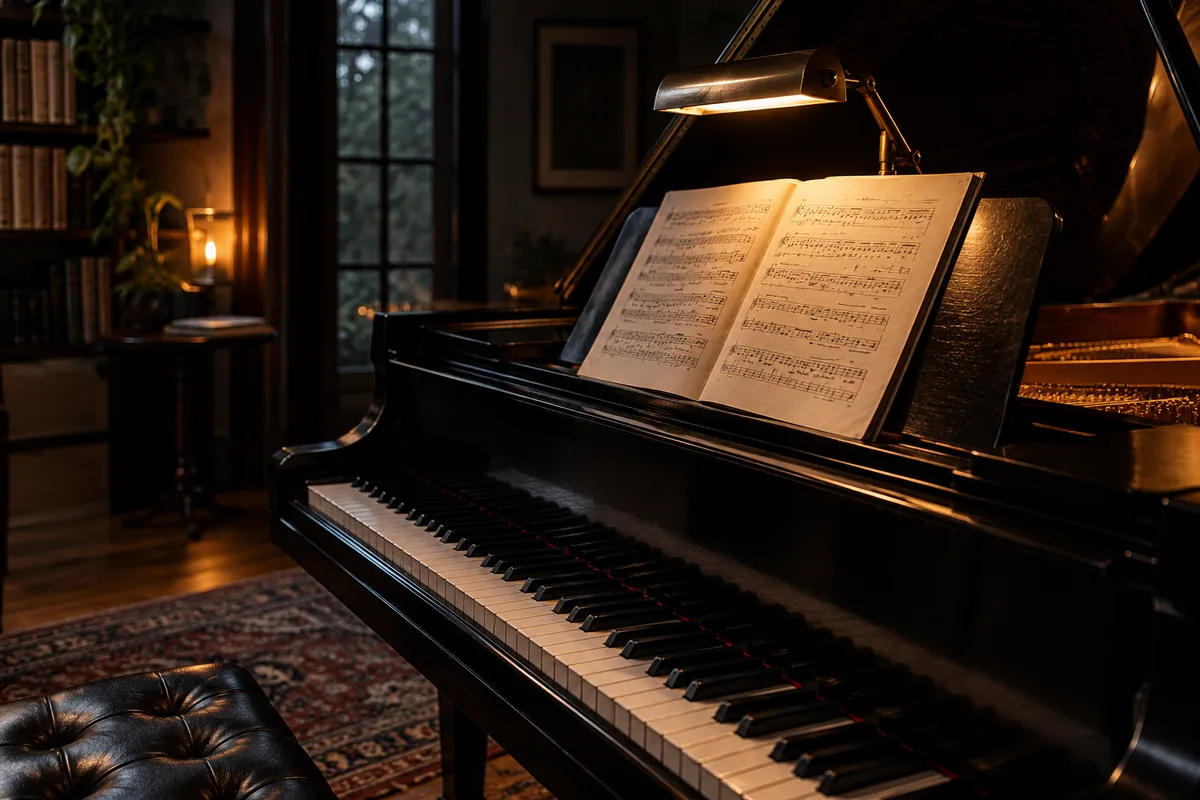
A CLEAR DIRECTION FOR YOUR NEXT STEP
Try notes, intervals, and short melodic ideas on a playable virtual piano. Use a pointer or the keyboard controls displayed in the workspace.
Explore related workspacesStart with a small group of notes and repeat a phrase until its direction is clear. Change the ending note to hear how it changes the sense of arrival.
A browser piano is useful for sketching and listening, but it does not reproduce the full feel of a weighted instrument. Keep a written note of ideas you want to develop.
FROM PREPARATION TO THE NEXT STEP
Open virtual piano and follow the controls shown in the workspace. Keep the first attempt short enough to compare.
Try a different pulse, note, or short pattern. Keep the parts that work and compare the change before adding more.
Write down the tempo or note idea you want to use later. Review the tool’s export status before relying on a downloadable file.
FREQUENTLY ASKED QUESTIONS
No. The playable keyboard runs locally in the browser. Browser audio may need a click or key press before sound starts; check the device volume if you cannot hear a note.
This tool runs locally in your browser without an account or an AI provider. Use the displayed controls to begin. Audio playback may require a first interaction with the page.
Drafting and local tools use this browser in the current edition. Account and support actions are separate. No AI request is sent by an unavailable generation action.
Keep a note of the tempo, melody, pattern, or metadata that matters. Use the tool’s stated capabilities rather than assuming it exports production files. Continue developing the idea in your usual music software.