Make the starting point specific
Separate rough notes from the lines you want to keep. Use section labels so a promising chorus does not disappear inside a page of unrelated ideas.
YOUR CREATIVE WORKSPACE
A focused space for first lines, unfinished verses and the chorus you cannot stop humming.
Try editing the sample below while AI generation is being connected. It is a fixed writing example.
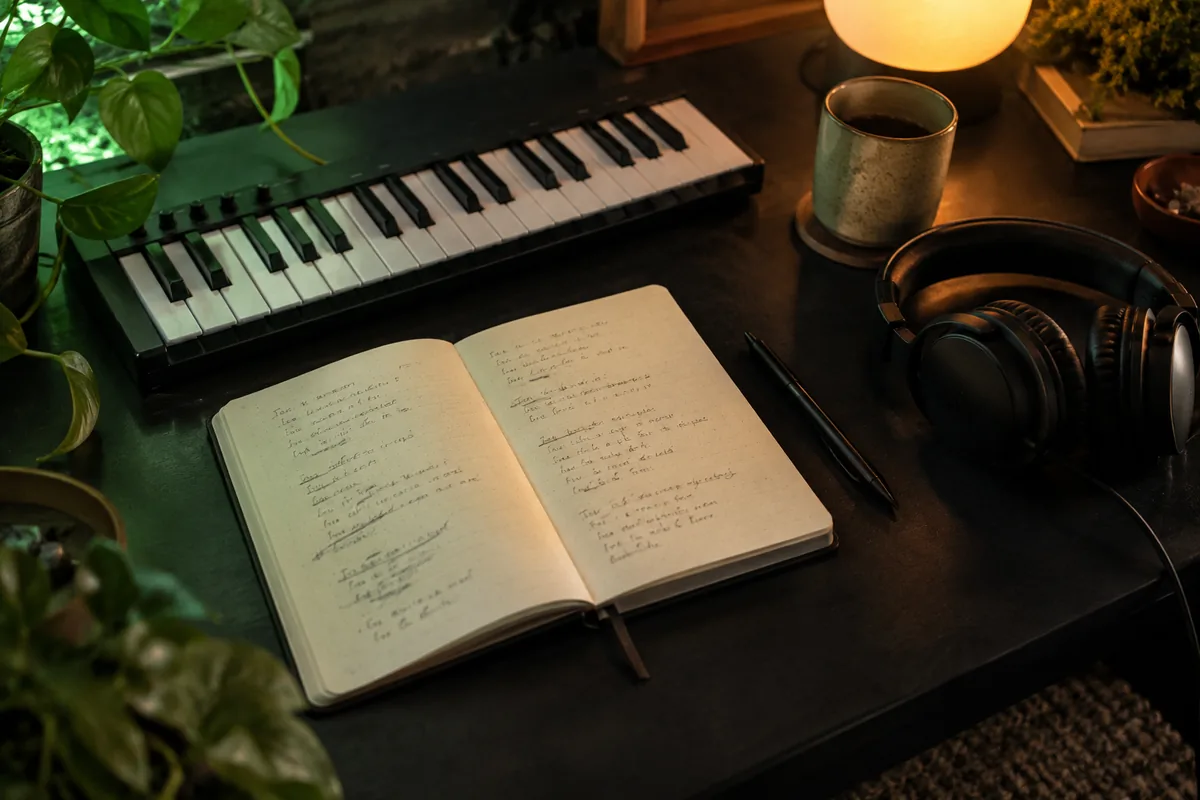
A CLEAR DIRECTION FOR YOUR NEXT STEP
Keep unfinished lines, alternate hooks, and verse ideas together in a focused lyrics studio. Start wherever the words arrive.
Explore related workspacesSeparate rough notes from the lines you want to keep. Use section labels so a promising chorus does not disappear inside a page of unrelated ideas.
Read a draft aloud before polishing rhymes. A line that looks elegant on the page may need fewer syllables when you try it against a melody.
FROM PREPARATION TO THE NEXT STEP
Start your lyrics studio brief with the listener, the scene, and the feeling. Use the example as a guide, then replace it with your own idea.
Specify the narrator, verse and chorus structure, and the lines you want to keep. Add a rhyme or language preference only where it supports the story.
Save the brief locally and revise one choice at a time. Automatic output needs a connected service; review future results for quality, originality, and permissions.
FREQUENTLY ASKED QUESTIONS
Keep the central hook fixed and change one element per version: the final word, point of view, or line length. Add a short note explaining what you like about each attempt.
You can prepare a brief and explore the workspace now. Automatic generation or processing is not connected in this edition. Unavailable actions are identified, and preparing a draft does not spend generation credits.
Drafting and local tools use this browser in the current edition. Account and support actions are separate. No AI request is sent by an unavailable generation action.
Use only inputs you own or are authorized to process. Rights to generated or transformed output depend on the connected provider and source permissions. A workspace preview does not grant a commercial license.